Know what each message is
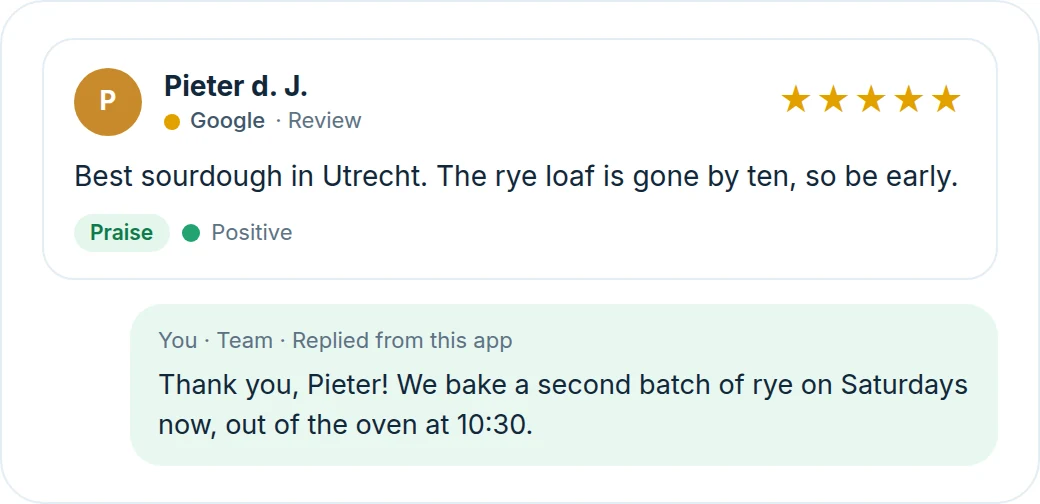
Delphia labels every incoming message as a question, complaint, praise or lead, and rates its tone as positive, neutral or negative. Filter on either to answer the urgent ones first.

Social media management
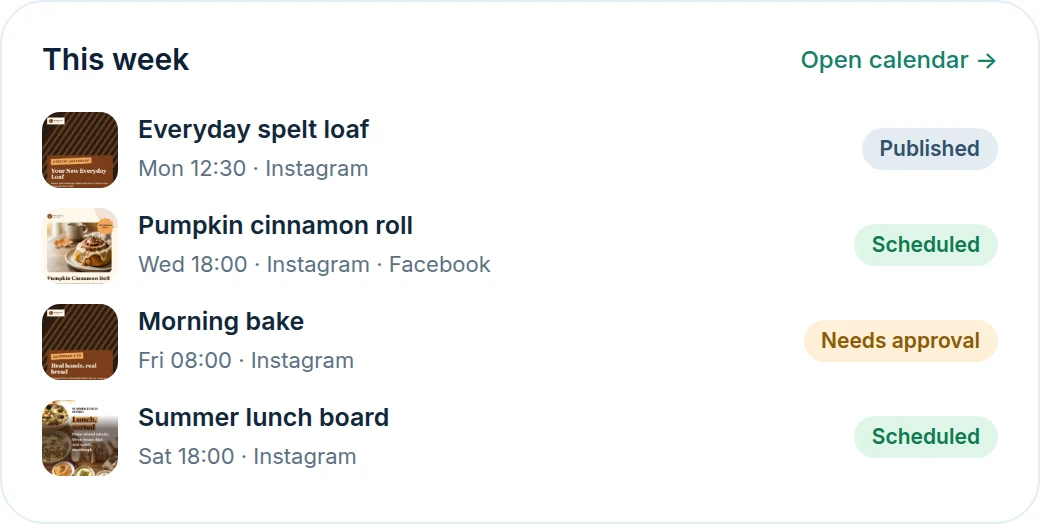
Delphia Social is your team’s workspace. Posts arrive from the content studio, get a place in the calendar and go out to the social accounts you connect.
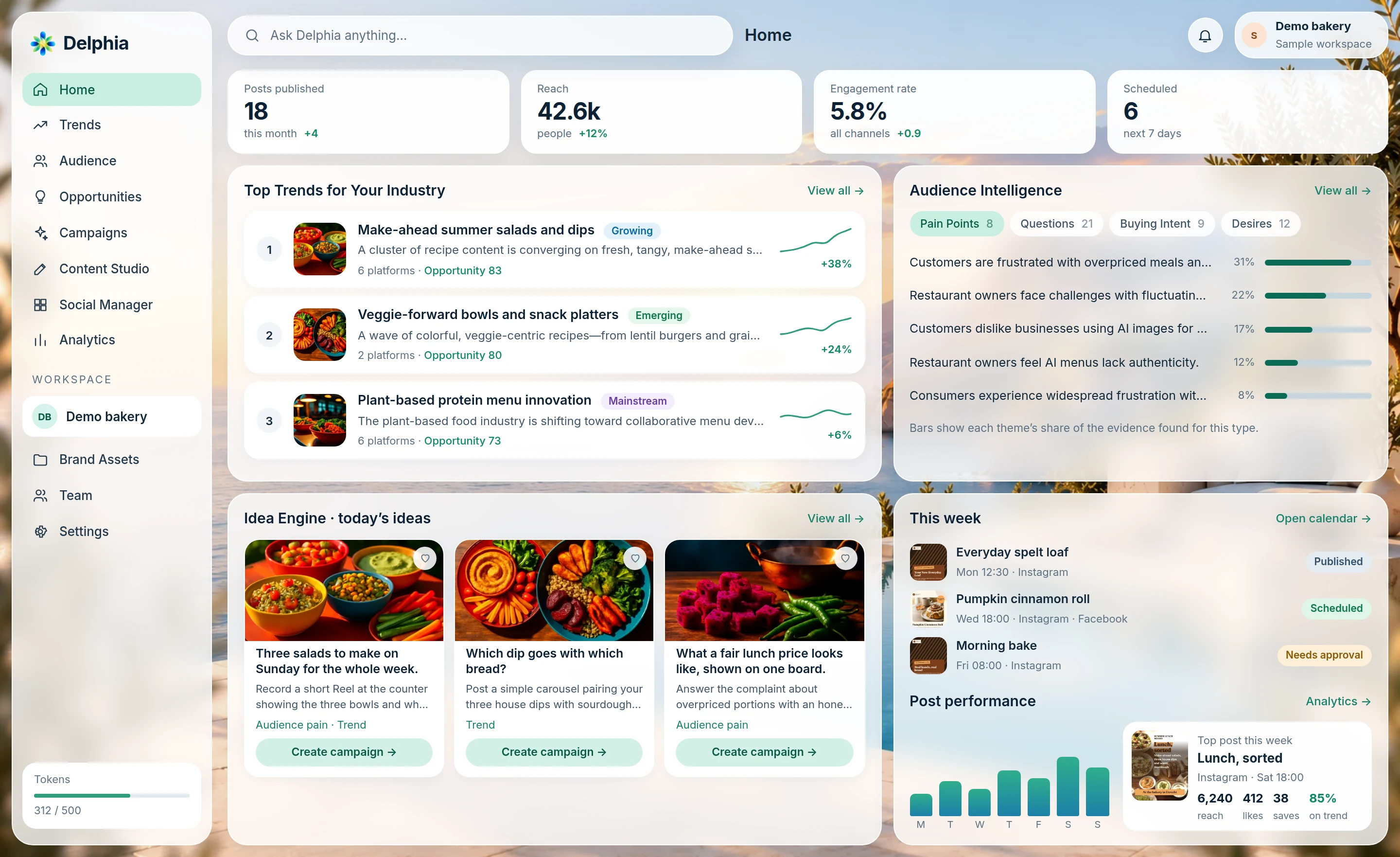
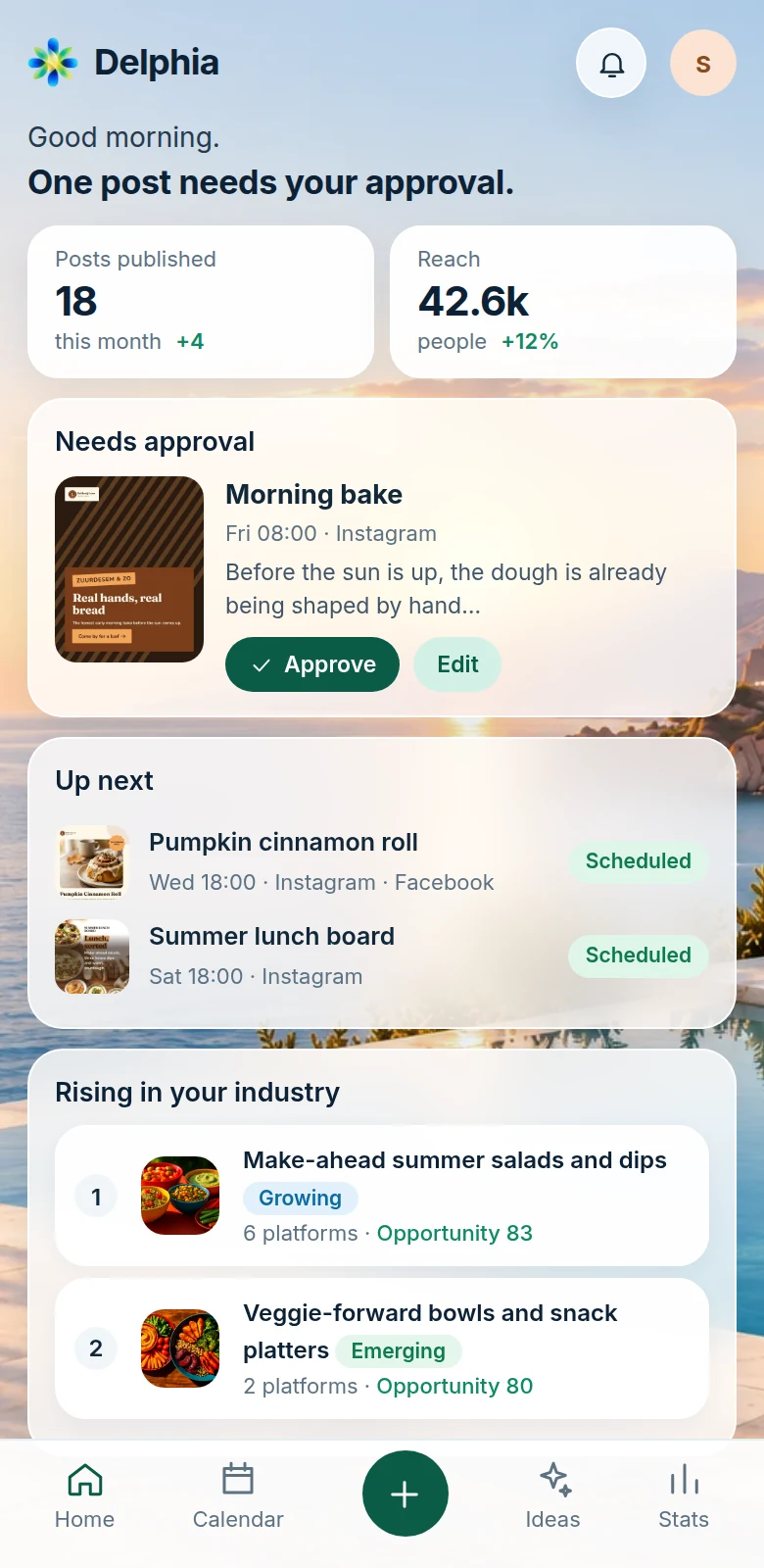
Every post has a time, its channels and a status, so the team sees what is planned, what waits for approval and what is still a draft.
 18:00Everyday loafInstagramScheduled
 18:00Pumpkin cinnamon rollInstagram, FacebookScheduled
 17:00From dough to table (Short)Instagram ReelsWaiting for approval
 18:00Morning bakeInstagramDraft
Illustration of the calendar: sample posts for the demo bakery; the days and statuses are placed by hand to show a planned week.
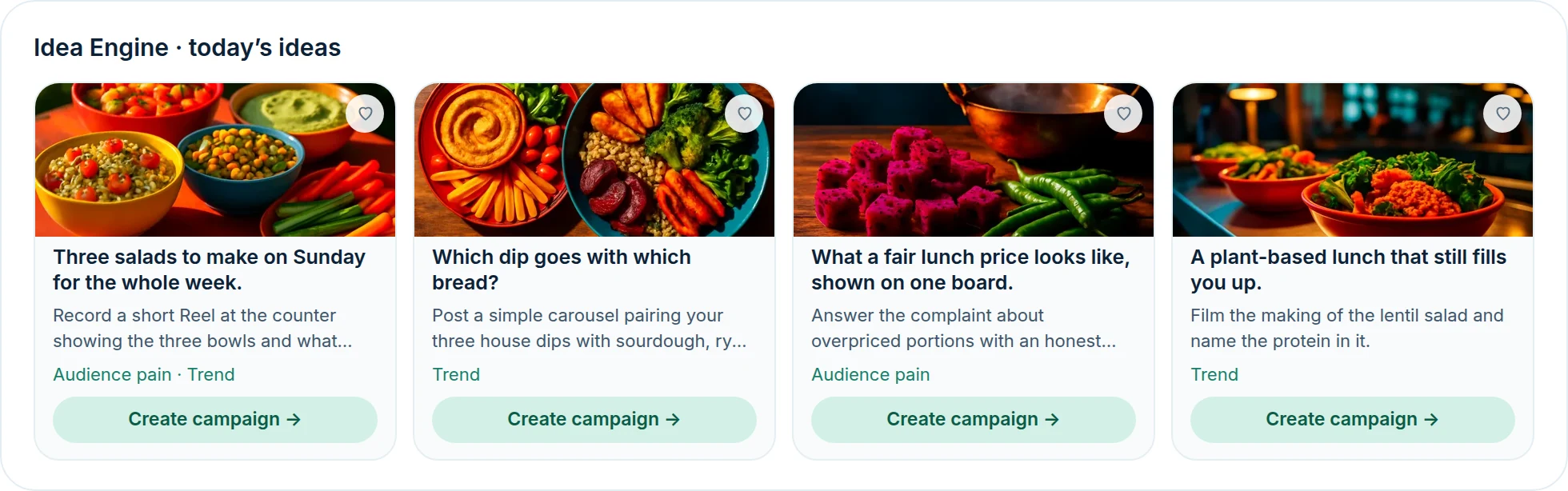
The home screen shows the top trends in your industry and what your audience is saying, next to your own work. Planning starts from what matters now.
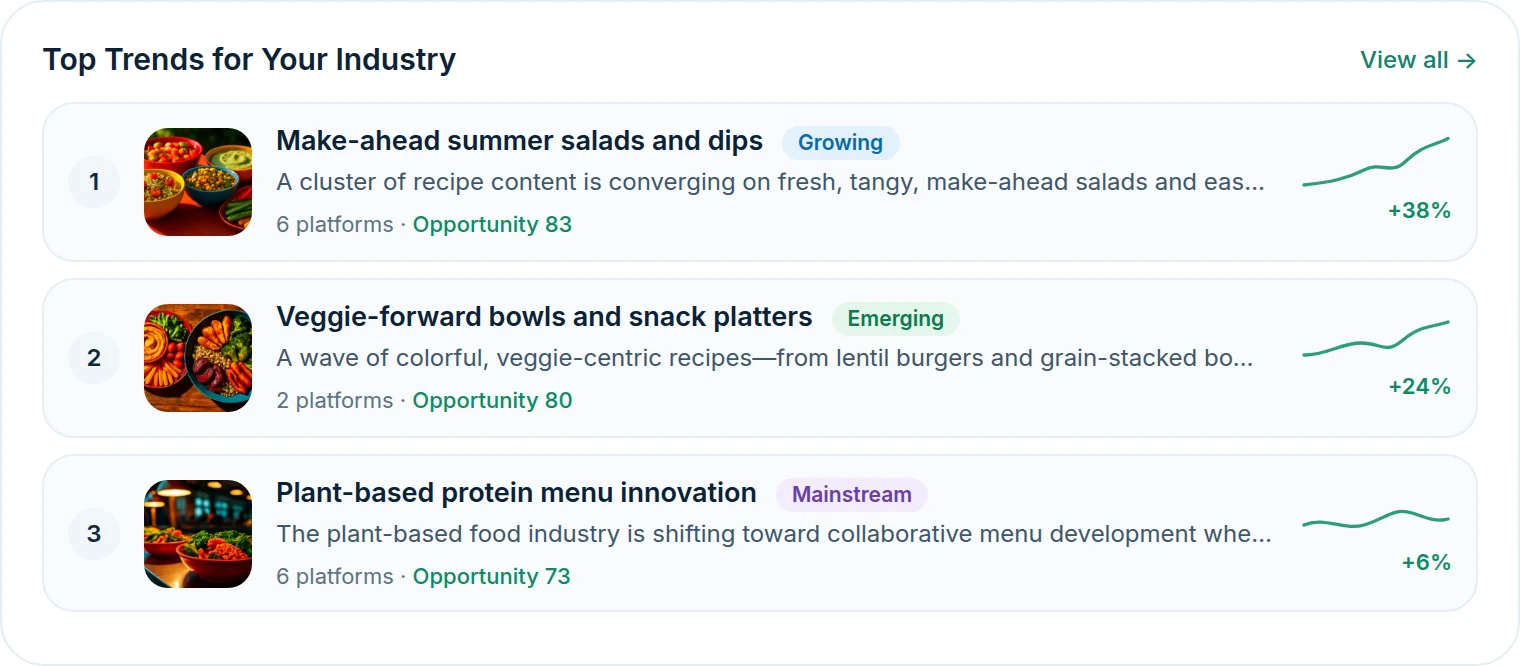
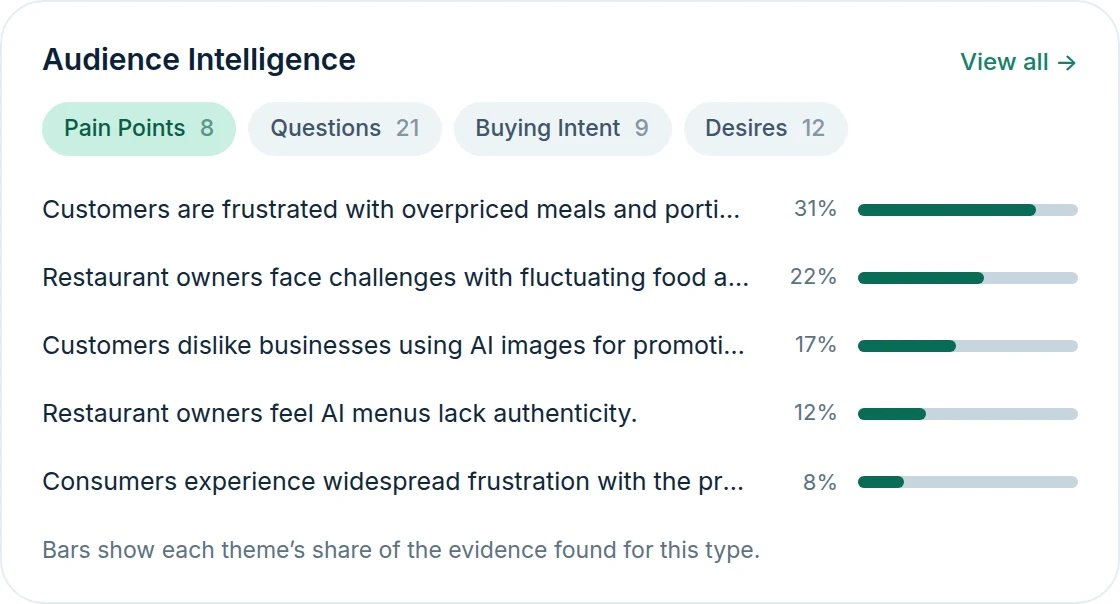
Group posts into a campaign with an objective, an audience and an angle. Take an idea from the Idea Engine or bring your own.
Once your social accounts are connected, the workspace shows how published posts perform, next to what is planned for the week. Each post also gets an “On trend” score: how close it was to a trend in your industry when it went out.

Engagement
What people write under your posts and about your business arrives in one place, from every account you connect. You read, like, reply and resolve without opening each platform.
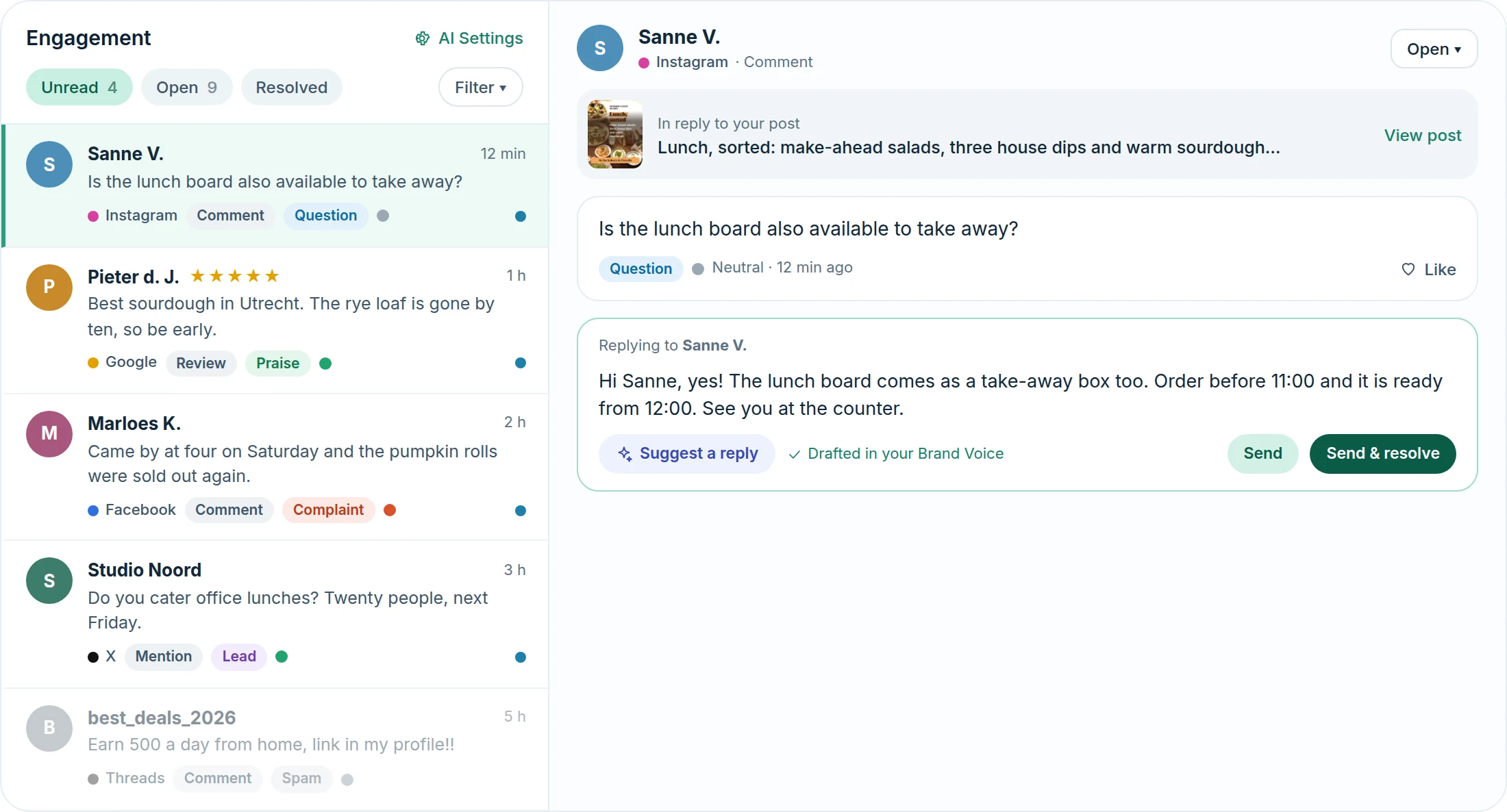
Delphia labels every incoming message as a question, complaint, praise or lead, and rates its tone as positive, neutral or negative. Filter on either to answer the urgent ones first.
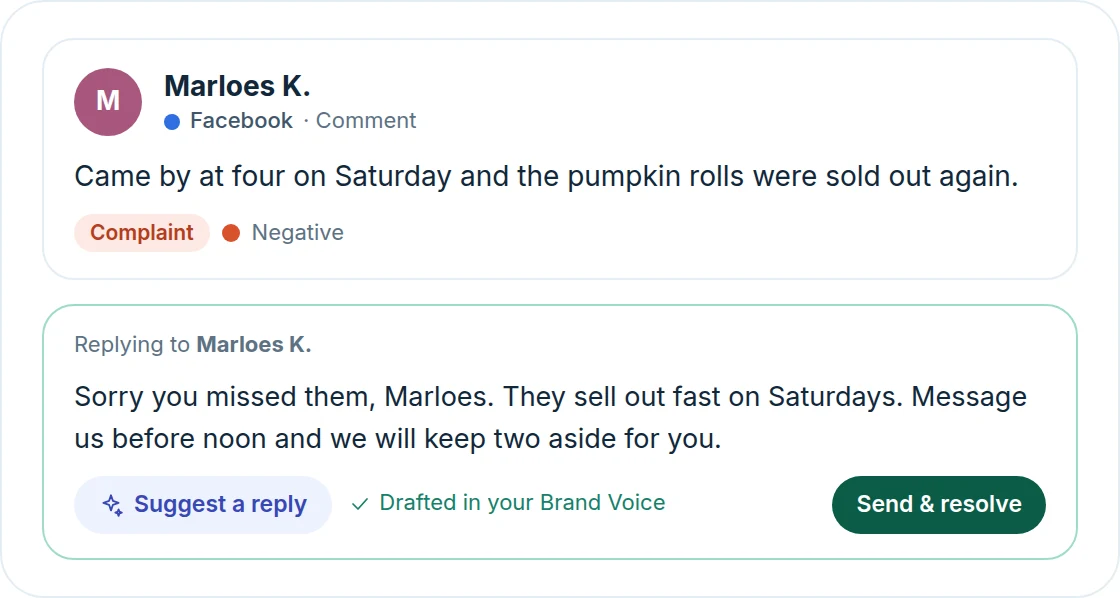
Ask for a suggested reply and Delphia drafts one in your brand voice. Edit it, send it, and mark the conversation resolved in one click.
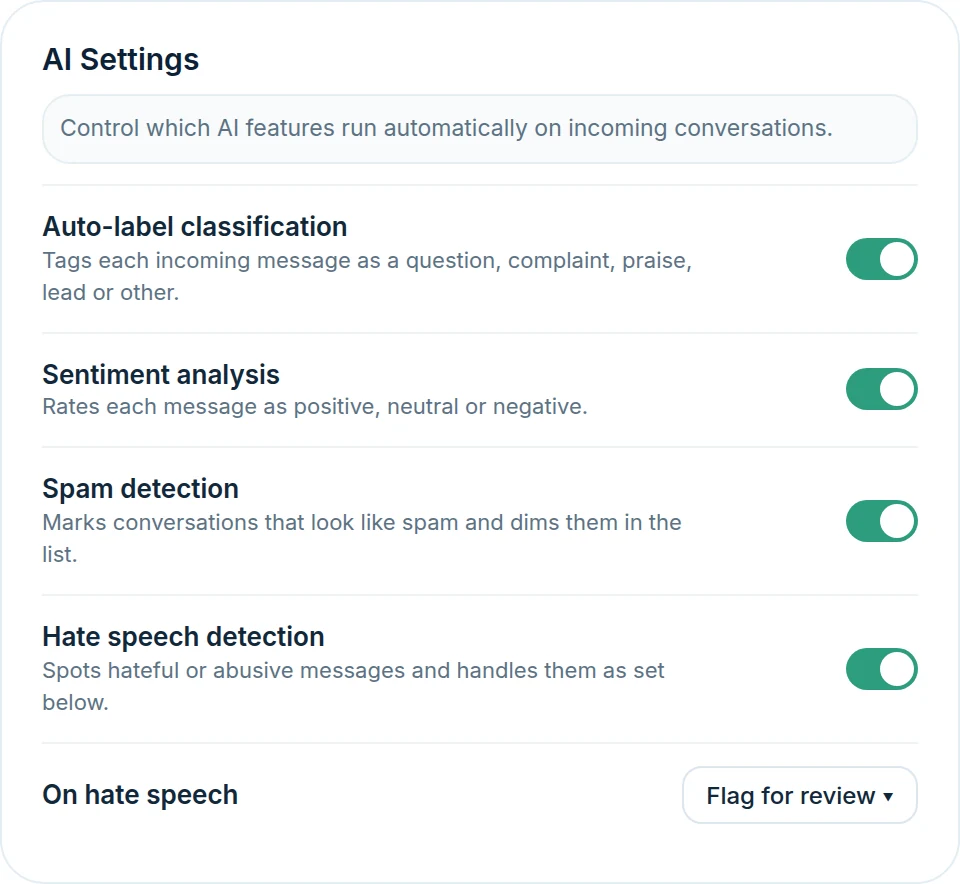
Messages that look like spam are dimmed in the list. For hateful or abusive messages you choose what happens: hide, flag for review or delete.
Plan by week or month, or set fixed posting times and let the queue fill them.
Connect the accounts you publish to. Each one is then available for posts, the calendar and analytics.
A post can wait for a second pair of eyes before it is scheduled.
Logos, colours, pictures and tone of voice in one library that every draft uses.
Invite members and keep each brand or client in its own workspace.
See how published posts perform once your accounts are connected.
Create an account to open your first workspace. Choose a plan at checkout. Pay after 14 days unless you cancel.